Fill in the problem, then attach manuals or SOPs, link documents from Document Management, or add a web link.
The agent reads the problem, your documents and your plant’s past problems, and suggests a 5 Whys, 4M1D and fishbone. Edit anything.
Push the countermeasures into the Kaizen action plan, where each gets an owner and a due date.
AI Root Cause Analysis: Uncover root causes faster with LeanSuite AI
AI root cause analysis in every Kaizen and EWO: the RCA Agent drafts a 5 Whys, 4M1D and fishbone from the problem, your attached manuals and SOPs, and your plant’s past problems.
How it works
How AI root cause analysis works
Three steps, from a problem description to an action plan your team owns.
Spending too much admin time chasing root causes?
Use Lean AI to automate root cause analysis
Lean AI
Before and after Lean AI
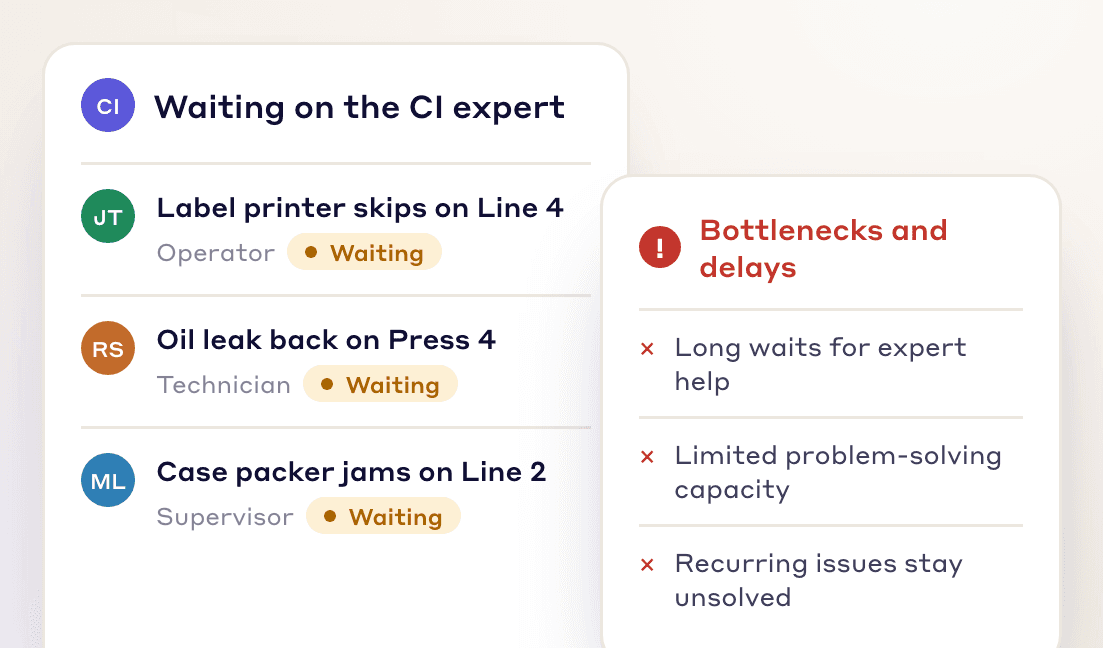
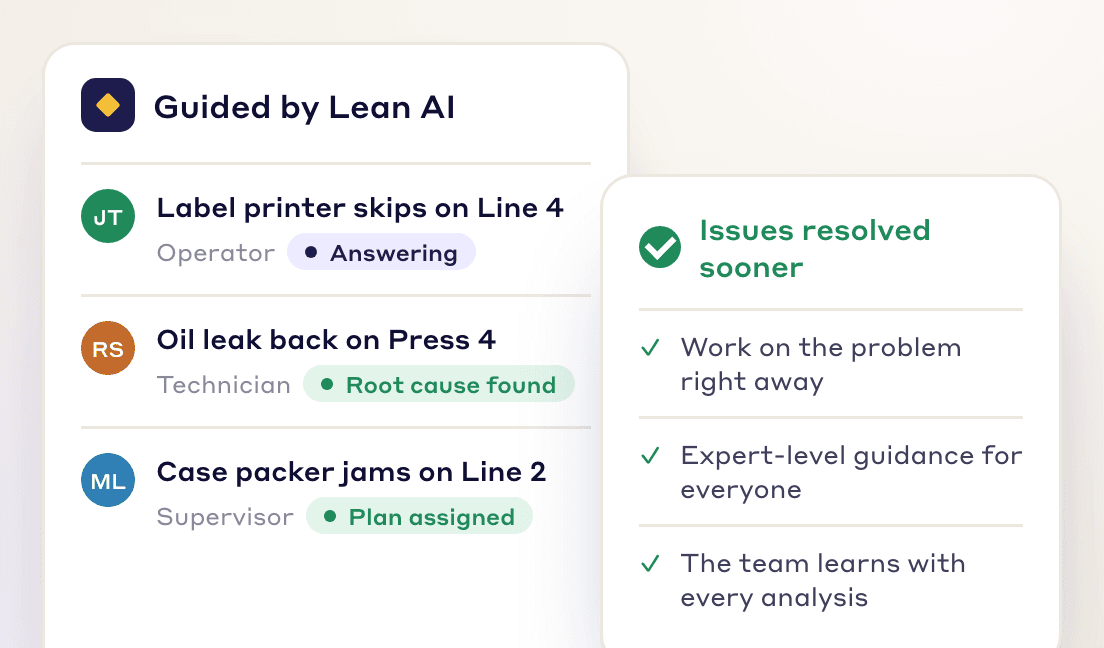
Without it, every problem waits for the one CI expert. With it, operators, technicians and supervisors get expert-level guidance the moment a problem shows up.
Before Lean AI
Manual root cause analysis waits on the one expert, so problems stay open longer.
After Lean AI
The RCA Agent drafts the analysis and points to likely root causes, so problems get fixed sooner.
Frontline Teams
Turn every team member into a problem solver
Operators, supervisors and engineers can start a root cause analysis without waiting for the CI expert.
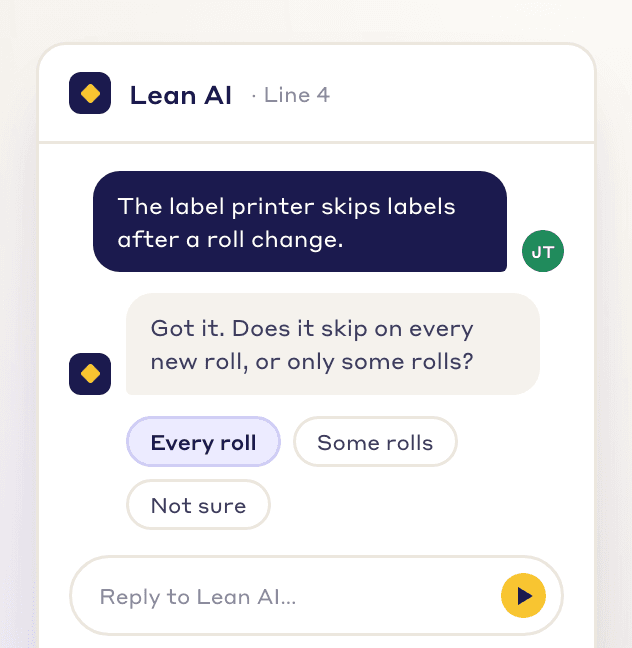
On-demand guidance
Operators, supervisors and engineers get a draft analysis the day a problem happens.
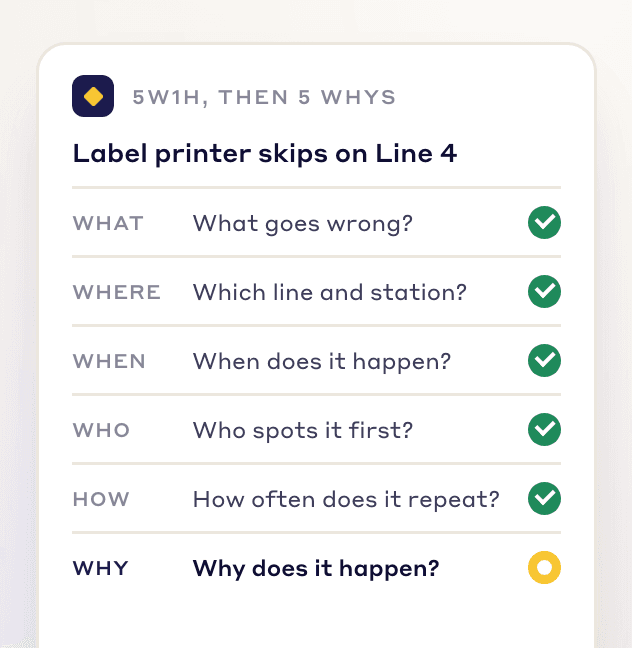
The same method every time
Every draft follows the same 5 Whys, 4M1D and fishbone structure, whoever raises the problem.
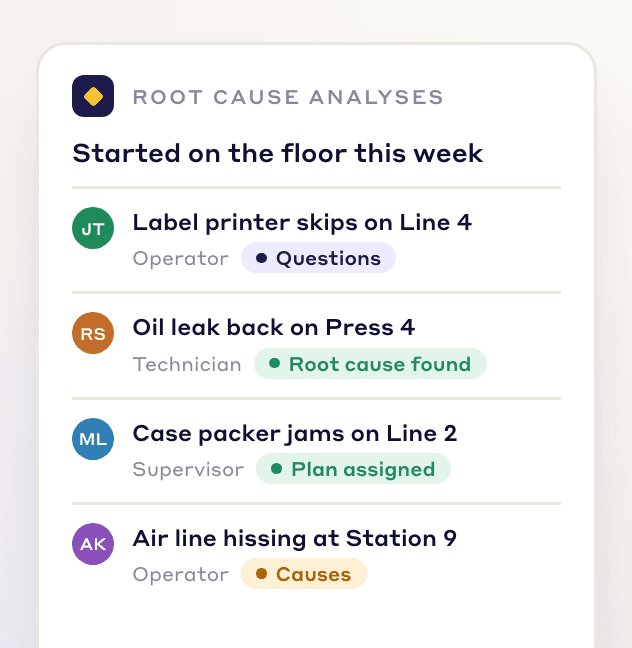
Build a CI culture
Everyone takes part in solving problems, not just the CI team.
See LeanSuite’s AI root cause analysis on your own problems
Book a demo and watch the RCA Agent turn a problem and your manuals into a 5 Whys, a fishbone and an action plan.
Beyond the chatbot
AI root cause analysis built on lean methods
A generic chatbot can suggest causes. The RCA Agent works inside the Kaizen, reads your documents and past problems, and turns its findings into actions.
| Capabilities | Manual RCA | Generic LLMs | LeanSuite RCA |
|---|---|---|---|
| Structured RCA guidance | No | Partial | Yes |
| Knowledge of lean methodologies | Partial | Partial | Yes |
| Collaboration support | Partial | Partial | Yes |
| Ease of use for frontline teams | No | Partial | Yes |
| Uses your manuals, SOPs and past problems | Partial | Partial | Yes |
| Sends actions to the Kaizen action plan | No | No | Yes |
LeanSuite AI
AI across the rest of LeanSuite
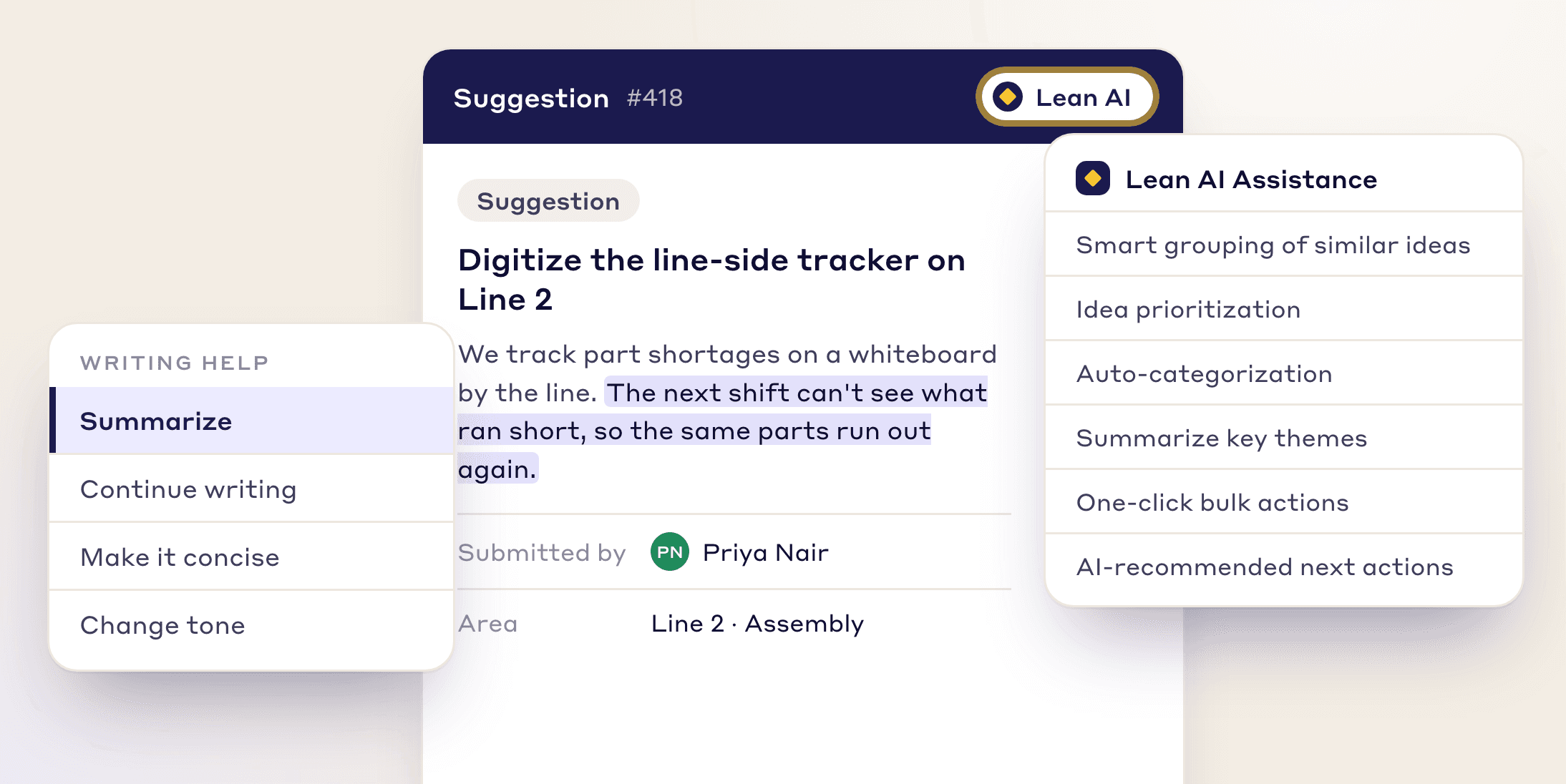
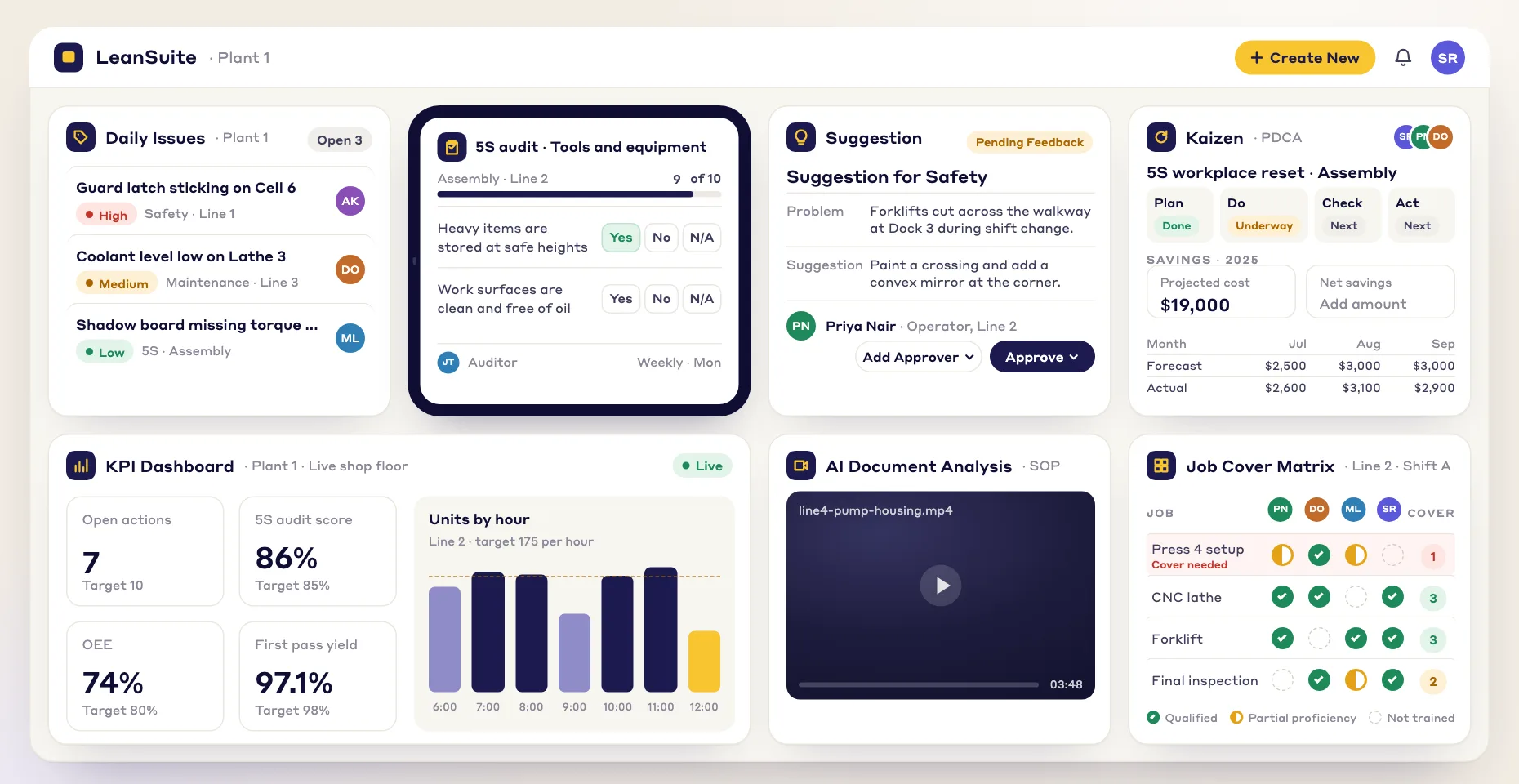
Lean AI also groups suggestions, sorts complaints, describes photos and brainstorms fixes.
AI-powered idea management
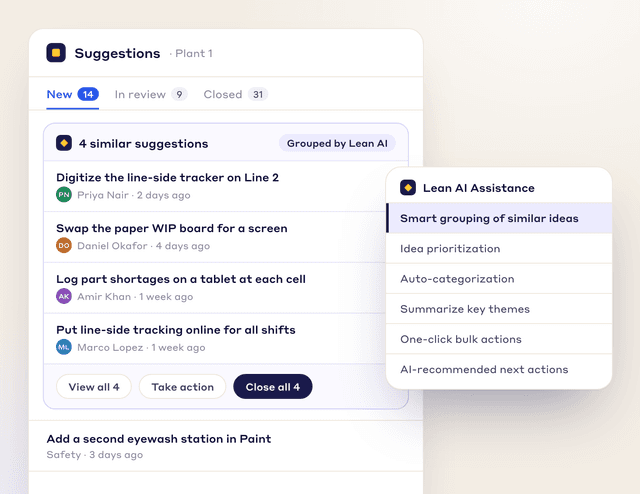
Act on similar suggestions together
Lean AI groups similar suggestions so you close them together.
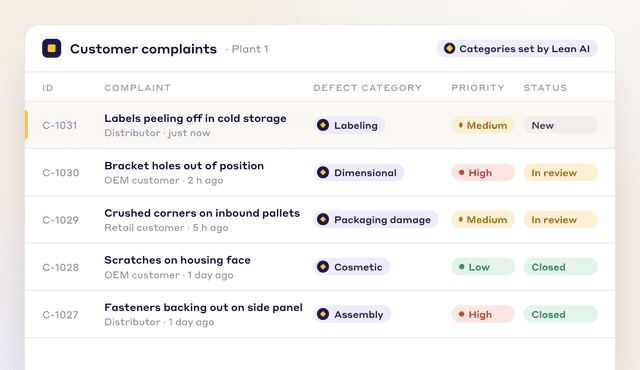
Automated complaint sorting
Every complaint in the right defect category
Lean AI sorts each customer complaint into its likely defect category.
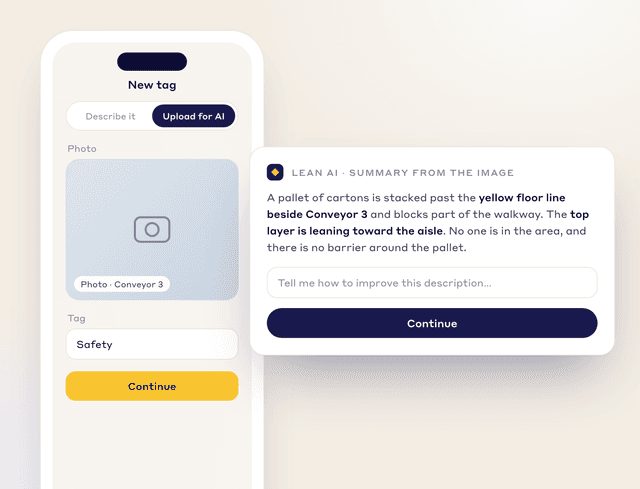
AI image descriptions
A written description for every photo
Lean AI describes each tag photo and lists the hazards it sees.
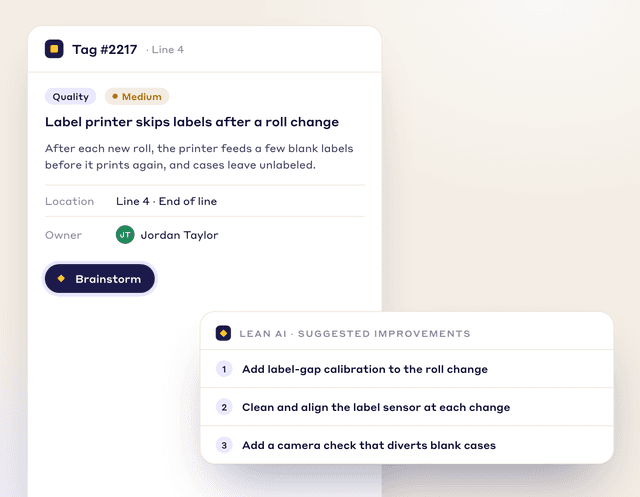
AI-driven brainstorming
Suggested fixes for the problem at hand
Press “Brainstorm” and Lean AI suggests improvements.
AI-powered idea management
Act on similar suggestions together
Lean AI groups similar suggestions so you close them together.
Schedule Demo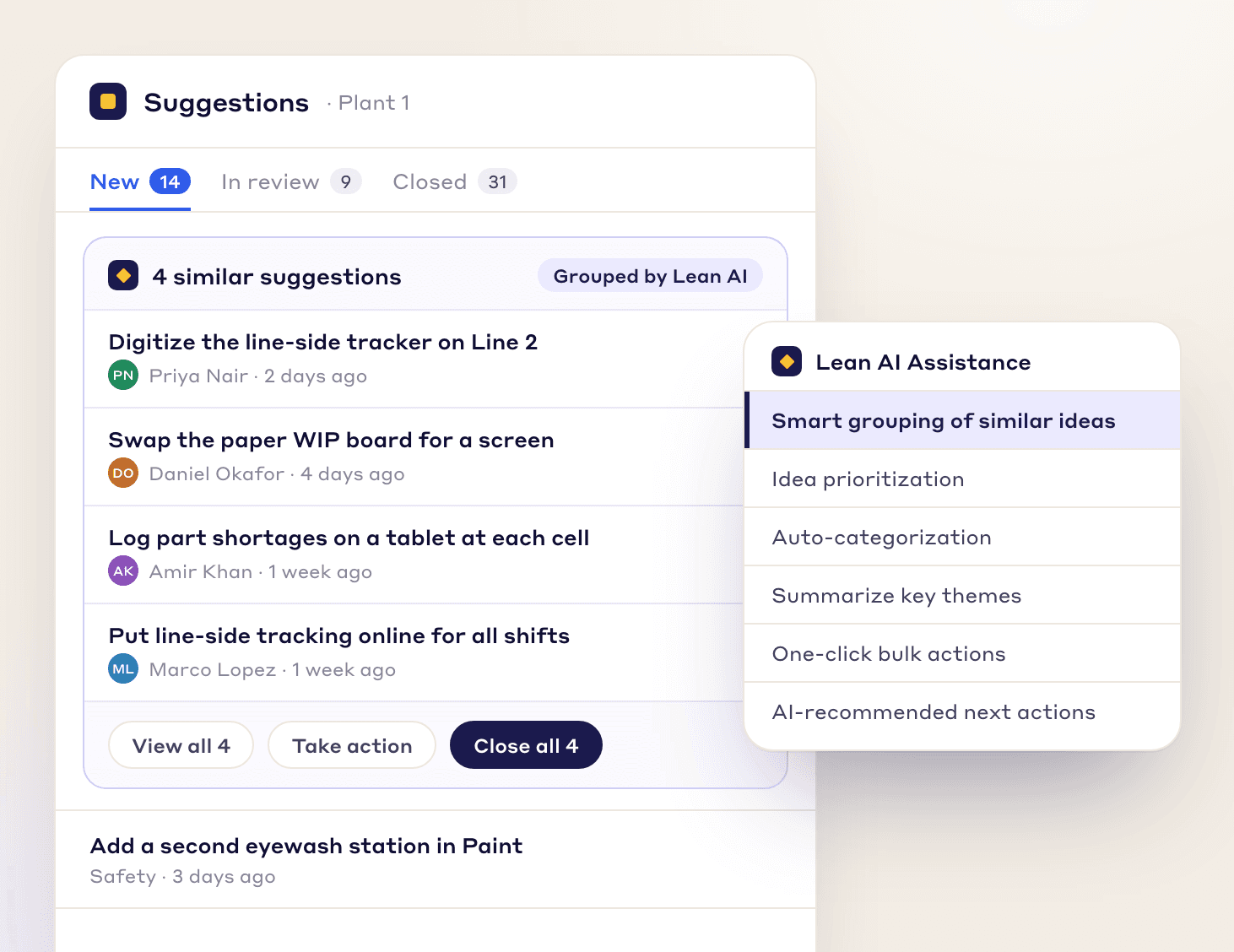
FREE RESOURCES
Free templates and posters
Not ready for software yet? Start with these free resources.
- Root cause analysis templateOne report from problem statement to proof: containment, evidence, analysis, verified causes, actions and the effectiveness check.
- 5 Whys templateA problem statement, a why chain that can branch, evidence for every answer, root causes and countermeasures that are checked.
- 8D report templateD0 to D8 with targets, containment counts, occurrence, escape and systemic causes, verified actions and a worked example.
- A3 problem solving templateThe standard seven-box A3 from background to follow-up, with a filled-in worked example. PDF and Excel.
- Fault tree analysis templateA drawing area with the FTA symbols, an event table with probabilities and minimal cut sets, and the gates worked out bottom-up in Excel.
- Is / is not analysis templateWhat, where, when and extent with is, is not, distinctions and changes, then each possible cause tested against every pair and ranked.
- 5G investigation sheetConfirm the facts before naming a cause: 5W1H, the five G's with 20 prompts, the gap against the principle and the standard, and the countermeasures.
- 5 whys posterOhno's classic machine example, from a blown fuse to a missing strainer, with the rules for asking why.
- 8D problem solving posterThe eight disciplines plus D0, from forming the team to recognizing it, in one view.
FAQs
Frequently Asked Questions
AI root cause analysis uses a language model to draft a 5 Whys, fishbone or similar analysis from the facts of a problem. People then check the draft, confirm the root cause and assign the fixes.
The RCA Agent is the AI tab in every Kaizen and EWO. Press Run RCA Analysis and it suggests a 5 Whys, 4M1D and fishbone analysis, which you can edit before use.
Describe the problem, attach or link helpful material, and run the RCA Agent. Review its draft with your team, then push the countermeasures you keep into the action plan.
The problem description, attached files such as machine manuals and SOPs, documents from Document Management, web links, and your plant's past problems.
No. It works in three layers: a general language model, a layer built on lean methods, and your own plant's data, such as its past problems.
No. Your data isn't shared with AI providers to train their models, and each facility's data is kept separate. If your policies require it, AI features can be switched off for your company.
It drafts the analysis, and your team confirms the cause. Describe the defect and attach what you know, such as the SOP or the machine manual, and the RCA Agent suggests a 5 Whys, 4M1D and fishbone, drawing on your plant's past problems too. People check the draft against what they see on the floor before any fix is assigned.
Root cause analysis (RCA) finds the underlying reason a problem occurred, so the fix stops it coming back. Common tools are the 5 Whys, fishbone diagrams and Pareto analysis.
Powered by AI
Less time on routine work
Inside each suggestion, Lean AI summarizes the write-up, groups similar ideas and recommends the next action.