
Retrain and move on
The supervisor walks the operator through the sheet again and closes the finding. Nothing on the document changed, so the same finding is back next month, and the plant keeps working the operator instead of the standard.
SOPs with no owner
The binder at the line holds three versions of the same document and not one of them has a name on it. Give every document an owner, a review date and one live version, and the standard starts holding.
By clicking "Schedule Demo," you agree to the use of your data in accordance with LeanSuite's Privacy Notice, including for marketing purposes.
TRUSTED BY INNOVATIVE LEADERS















The same finding
The supervisor walks the operator through the sheet again and closes the finding. Nothing on the document changed, so the same finding is back next month, and the plant keeps working the operator instead of the standard.
If they want to upload something new for that, it will create a version two of the same document, so always, for the entire factory, the latest version of any document is available. It will make sure that if any document is coming to an expiration, it needs to get reapproved or get taken out of the circulation system so that nobody is able to get access to it because it is obsolete.
Sound familiar?
Ask why SOP compliance slips and the honest answer is that the sheet at the line is older than the job. Someone changed a step, printed a fresh copy and left the laminated one on the wall. When an operator finds a step that is wrong, there is no name on the document to take it to. So they run it the way they were shown, and the binder becomes decoration.
Three versions on the floor
Nobody can say which sheet at the station is the current one.
Nowhere to take a wrong step
The operator spots an error in the instruction and there is no owner to send it to.
Audit week scramble
When the audit is coming, everybody is running around.
An owner on every document
I can add an owner to this, and I can add an expiration to this as well, or to any document for that matter.
Only the latest version opens
It will stay there with the signature that the owner signed off on it and this is the latest version. If they want to upload something new for that, it will create a version two of the same document.
Sign-off on the dashboard
I can submit this and assign it to that individual or to a role, it will automatically show up on their dashboard that they need to do this today, and they can simply just sign off on it.
Before the software
Everything gets updated in one push and the floor looks great for a quarter. Then the next process change lands and nobody is named to carry it into the document.
The sheet on the wall looks official, but it carries no revision and no owner. When it changes there is no way to pull the old one back off the wall.
The folders hold the files, but nothing tells anyone a document is due for review. The old file still opens, and people cannot tell it from the new one.
How it works
Users have a way to build a hierarchical structure similar to what we get on Google Drive or SharePoint. You can add an expiration to that SOP, add an owner for that SOP, or any document for that matter. Then you can take that and assign those to people with certain schedules as well, so that you can watch the compliance.
Step 1
You can build your repository of all those manuals, all the SOPs, all the OPLs in one place. Users have a way to build a hierarchical structure similar to what we get on Google Drive or SharePoint. And we can attach any documentation that is out there on the factory floor today, so you do not have to enter anything manually.
Step 2
I can add an owner to this, and I can add an expiration to this as well. Then it will help me to manage before that expiration is coming, to build the escalation plan in place, who should be approving this document. It will help send out notifications when the document is coming to expiration, and it needs to get reapproved or get taken out of the circulation system.
Step 3
If I save and publish this, I can now assign it to whoever needs to see this. I can click on Create Schedule and assign it to an operator role, because we can create as many roles and add people to them, but we can individually assign this as well. It will automatically show up on their dashboard that they need to do this today, and they can simply just sign off on it.
Step 4
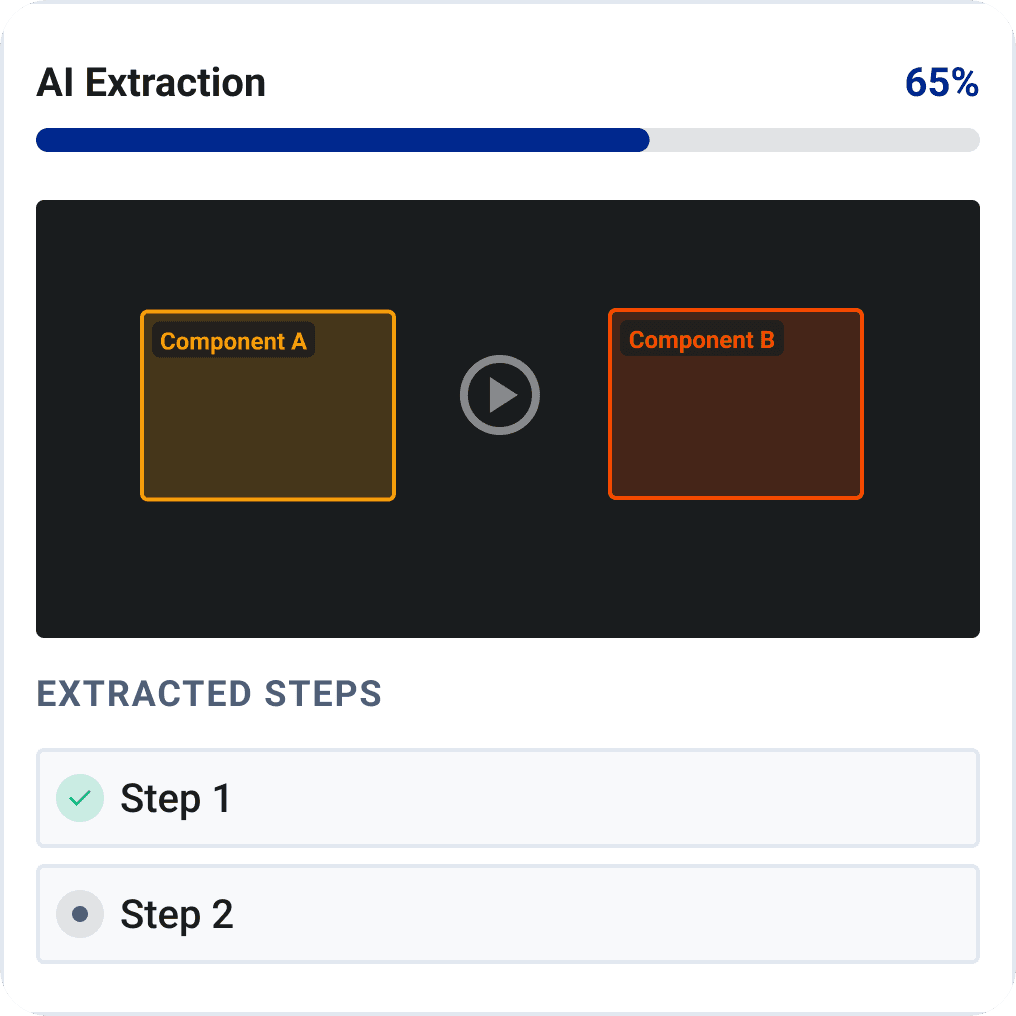
You can actually upload a video and it will analyze that video for you, and it created that SOP. It highlights the PPE, the tool requirement, and it breaks it down into step by step. What it also does is that it puts certain questions in between, so if you assign this SOP to somebody to sign off on, it will make sure to ask certain questions that are relevant to certain steps. So it is making sure that the person actually understood the SOP.
If nothing changes
Someone documents the job properly and prints a clean copy for the station.
A step changes, a new copy goes up, and the old laminated sheet stays where it was.
People run the job from memory because the sheet has been wrong before and nobody fixed it.
You spend the week proving which documents are current and who approved them.

From our co-founder
“The biggest issue is there are multiple documents floating around that don't have any owners, that shouldn't be there because they're expired.”
Where to go next
An unowned SOP is usually also an unreadable or out-of-date one, so the writing and the format are part of the same problem. These three pages cover how the instructions get written, how the forms around them get built, and how the steps reach the operator at the line.
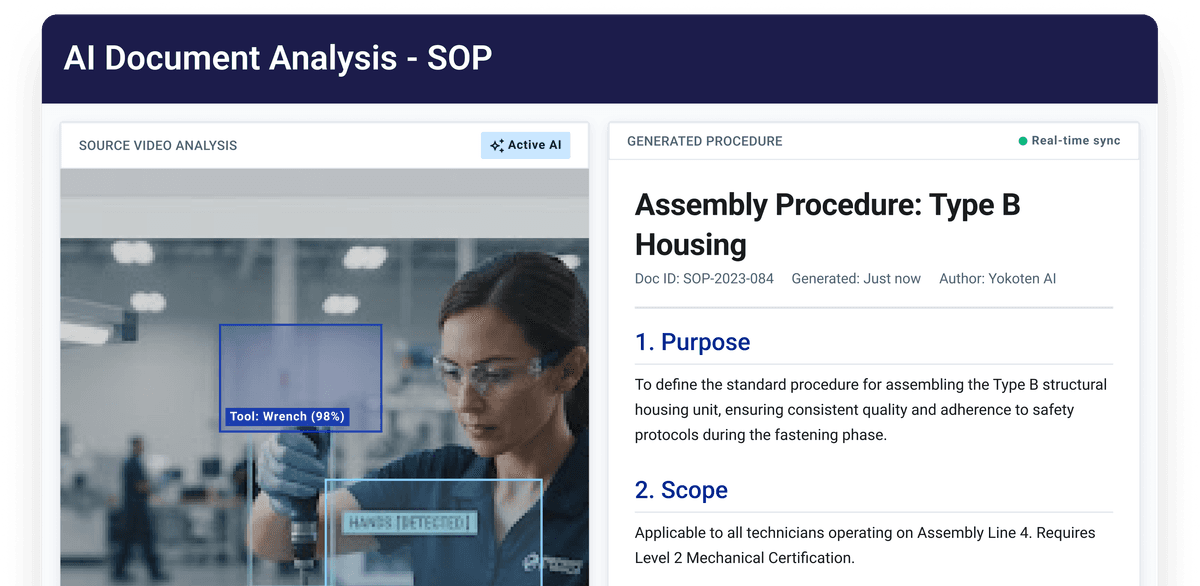
Turn what people already know about the process into clear, structured instructions instead of a sheet someone typed once and laminated. Writing them faster means a wrong step can be rewritten rather than worked around.
See how it works →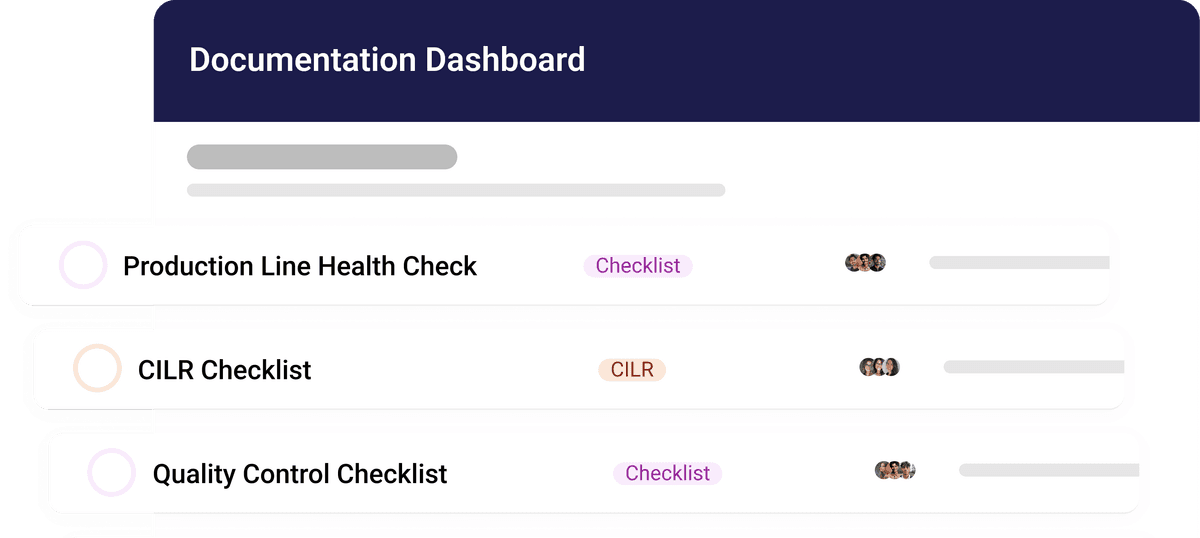
Build custom digital forms yourself, without code, instead of retyping paper into a spreadsheet later. If the paperwork around the SOP is digital, there is less manual data entry between the line and the record.
See how it works →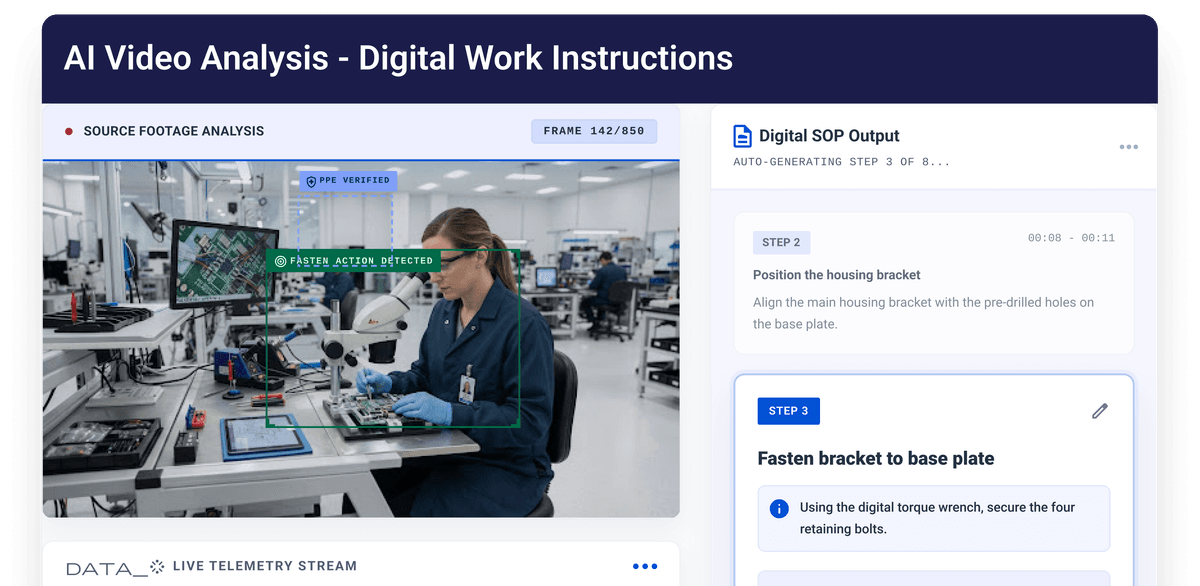
Create and manage digital work instructions so the operator sees the same steps every run, not the version they were shown by the last person on the job. Clear step-by-step guidance is what keeps errors down when the binder is not being read.
See how it works →Bring a document you use today and we will show it with an owner, a review date, version control and a sign-off from the floor.